API & Webhook Integration
Last updated July 2026
Porter provides a REST API and a webhook system so you can integrate visitor management into your existing tools. Use the API to read and manage visitor data programmatically, and webhooks to receive real-time notifications the moment an event happens. API access and webhooks are available on plans that include them; if the feature is not on your plan, requests return an entitlement error.
Getting Your API Key
You need an API key to authenticate every request. Only organisation Owners and Admins can create keys.
- Go to Settings > API Keys.
- Click Create API Key.
- Give the key a descriptive name (for example "Production Integration" or "Zapier") so you can recognise where it is used, then click Create Key.
- Copy the key immediately. The full key is shown only once and cannot be recovered afterwards.
- Store it somewhere secure, such as a secrets manager or an environment variable. Never commit it to source control or expose it in client-side code.
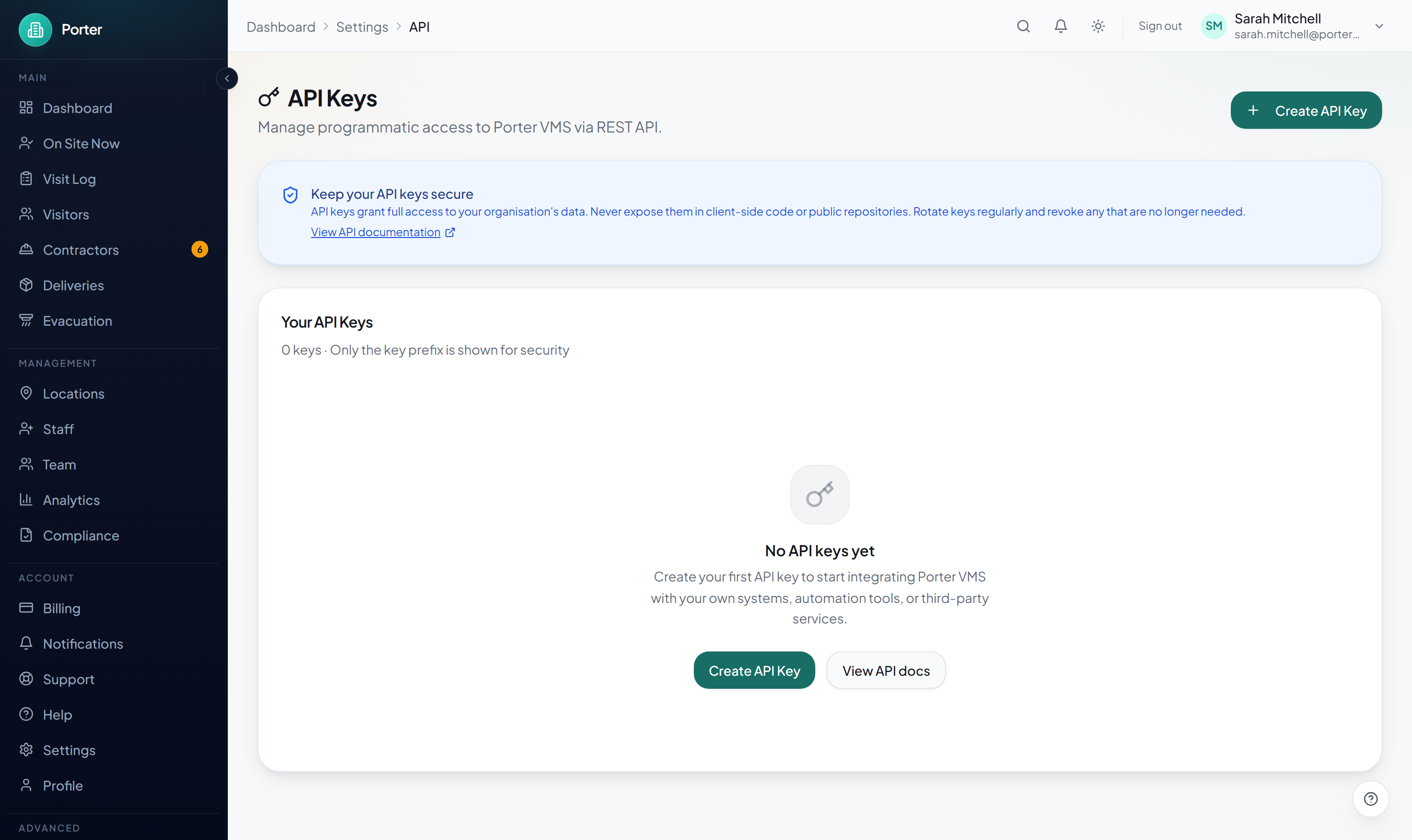
The key list shows each key's prefix, its permissions, when it was last used, and any expiry. You can revoke a key at any time from the same page. Revoking is immediate and permanent: any integration using that key stops working straight away, so rotate keys by creating a new one before revoking the old.
Authentication
Send your API key with every request over HTTPS.
API Key Header
Include your key in the X-API-Key header:
X-API-Key: your_api_key_hereA missing or invalid key returns 401. Every response uses a consistent envelope: successful responses are { "success": true, "data": { ... } } and errors are { "success": false, "error": { "code", "message" } }.
Permissions (Scopes)
Each key carries one or more scopes, shown against the key in the list. Scopes are independent and enforced per endpoint:
readis required for allGETrequests.writeis required to create or update records (POST/PATCH).deleteis required to delete records.
A key never gains a scope it was not granted, and calling an endpoint without the required scope returns 403 INSUFFICIENT_SCOPE. New keys default to read-only.
Rate Limiting
- The limit is 100 requests per minute per API key.
- Exceeding it returns a
429 Too Many Requestsresponse. - The response includes a
Retry-Afterheader (seconds until you can retry), plusX-RateLimit-LimitandX-RateLimit-Remaining. - Always call the API over HTTPS.
Available Endpoints
All endpoints are under /api/v1 and are tenant-scoped to the organisation that owns the key.
| Method | Endpoint | Description | Scope |
|---|---|---|---|
| GET | /api/v1/visitors | List visitors, with pagination, search, and filters | read |
| POST | /api/v1/visitors | Create a visitor record | write |
| GET | /api/v1/visitors/:id | Get a visitor and their recent visits | read |
| PATCH | /api/v1/visitors/:id | Update a visitor record | write |
| DELETE | /api/v1/visitors/:id | Delete a visitor record | delete |
| GET | /api/v1/visits | List visits; filter by location, status, type, and date range | read |
| GET | /api/v1/visits/:id | Get a single visit | read |
| PATCH | /api/v1/visits/:id | Check a visit out | write |
| GET | /api/v1/locations | List active locations | read |
| GET | /api/v1/locations/:id | Get a single location | read |
| GET | /api/v1/hosts | List hosts (team members) | read |
List endpoints accept page and limit (up to 100) query parameters and return a pagination object alongside the results.
Webhook Setup
Webhooks let Porter push events to your server the moment they happen, so you do not have to poll the API. Porter sends an HTTP POST to the URL you register whenever a subscribed event fires.
Creating a Webhook
- Go to Settings > Webhooks and click Add Webhook.
- Enter the Endpoint URL where you want to receive events. It must be publicly reachable and use HTTPS.
- Optionally add a short description to remind yourself what the endpoint is for.
- Select at least one event to subscribe to.
- Click Create Webhook.
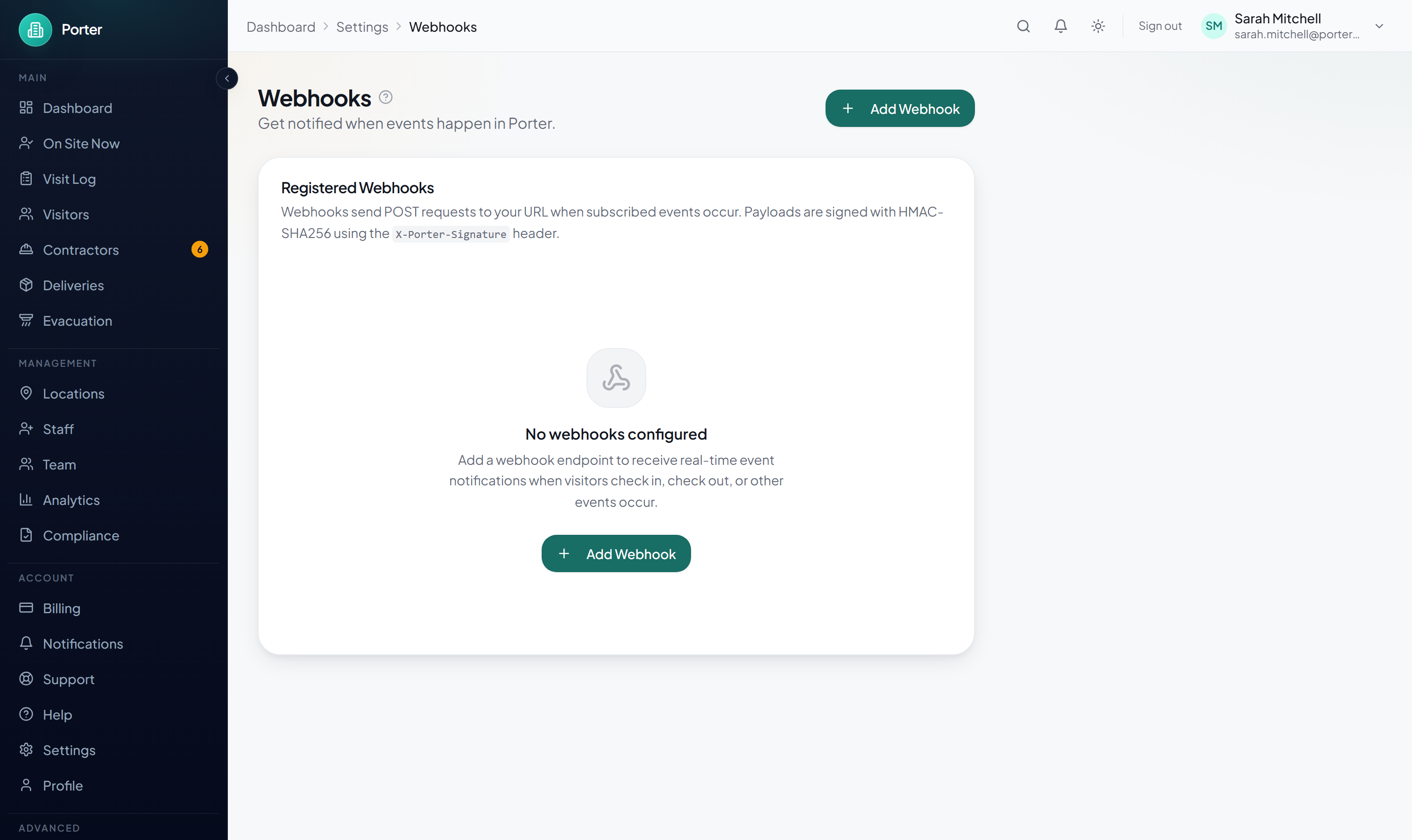
Each registered webhook can be paused and resumed. A paused webhook receives no events until you resume it.
Available Events
Subscribe to any combination of the following. The event identifier is sent in the payload and in the X-Porter-Event header.
VISIT_CHECKED_IN– a visitor checks in, at a kiosk or from the dashboardVISIT_CHECKED_OUT– a visit is checked out (manually, by auto-checkout, or during an evacuation)VISIT_PRE_REGISTERED– a visit is pre-registered or invitedVISITOR_CREATED– a new visitor record is createdCONTRACTOR_COMPLIANCE_CHANGED– a contractor's compliance status changesEVACUATION_STARTED– evacuation mode is startedEVACUATION_ENDED– evacuation mode ends
Every delivery has the same envelope. The data fields vary by event type:
{
  "event": "VISIT_CHECKED_IN",
  "timestamp": "2026-03-01T09:32:00.000Z",
  "data": {
    "visitId": "visit_xyz789",
    "visitorId": "vis_def456",
    "locationId": "loc_ghi012"
  }
}
Requests also carry an X-Porter-Event header with the event name and a User-Agent of Porter-Webhook/1.0.
Testing a Webhook
On a registered webhook, click the Send test (paper plane) icon. Porter sends a sample payload to your URL using the webhook's first subscribed event, so you can confirm your endpoint receives and verifies deliveries before you depend on it. The test body is marked with "test": true.
Delivery Logs
Open a webhook from the list (the open-details icon) to see its delivery history. Each entry records the event, the HTTP response status your endpoint returned, the timestamp, and whether the delivery succeeded (a green or red dot). Expand any entry to inspect the exact payload Porter sent, the response body it received back, and the attempt count.
Retries and Timeouts
- If your endpoint returns a non-2xx status or times out, Porter retries automatically up to 3 times with increasing back-off: 1 minute, then 5 minutes, then 30 minutes (4 attempts in total).
- You can also retry a failed delivery manually with the Retry button next to it in the delivery history.
- Your endpoint must respond within 10 seconds. For slow work, acknowledge the request immediately and process it asynchronously.
Verifying Webhook Signatures
Every webhook request includes a signature so you can confirm it genuinely came from Porter and was not tampered with.
- Each request carries an
X-Porter-Signatureheader. - The value is an HMAC-SHA256 hash (hex) of the raw request body, computed with your webhook's signing secret.
- The signing secret is shown only once, when you create the webhook. For security it is never displayed again. If you lose it, delete the endpoint and create a new one to get a fresh secret.
- Always verify signatures in production to reject spoofed requests, and compare using a constant-time function.
Code Examples
Practical examples for calling the API and verifying a webhook signature. Results live under the data key of the response envelope.
cURL: List Visitors
curl -X GET https://portervisitors.com/api/v1/visitors \
  -H "X-API-Key: your_api_key_here"
A successful response looks like:
{
  "success": true,
  "data": {
    "visitors": [ /* visitor records */ ],
    "pagination": { "page": 1, "limit": 20, "total": 128, "totalPages": 7 }
  }
}
JavaScript: List Visitors
const res = await fetch("https://portervisitors.com/api/v1/visitors", {
  method: "GET",
  headers: { "X-API-Key": "your_api_key_here" },
});

const { data } = await res.json();
console.log(data.visitors);
Python: List Visitors
import requests

res = requests.get(
    "https://portervisitors.com/api/v1/visitors",
    headers={"X-API-Key": "your_api_key_here"},
)

body = res.json()
print(body["data"]["visitors"])
JavaScript: Verify a Webhook Signature
import crypto from "crypto";

function verifyWebhookSignature(rawBody, signature, secret) {
  const expected = crypto
    .createHmac("sha256", secret)
    .update(rawBody)
    .digest("hex");

  return crypto.timingSafeEqual(
    Buffer.from(signature),
    Buffer.from(expected)
  );
}

// In your webhook handler (use the raw, unparsed request body):
const isValid = verifyWebhookSignature(
  rawBody,
  req.headers["x-porter-signature"],
  process.env.PORTER_WEBHOOK_SECRET
);

if (!isValid) {
  return res.status(401).json({ error: "Invalid signature" });
}
Python: Verify a Webhook Signature
import hmac
import hashlib

def verify_webhook_signature(body: bytes, signature: str, secret: str) -> bool:
    expected = hmac.new(
        secret.encode(),
        body,
        hashlib.sha256,
    ).hexdigest()

    return hmac.compare_digest(signature, expected)

# In your webhook handler (use the raw request body):
is_valid = verify_webhook_signature(
    request.body,
    request.headers.get("X-Porter-Signature"),
    os.environ["PORTER_WEBHOOK_SECRET"],
)

if not is_valid:
    return JsonResponse({"error": "Invalid signature"}, status=401)
No-Code Integrations
You do not have to write code to connect Porter. The Integrations page lists the ready-made connectors and where each one is configured.
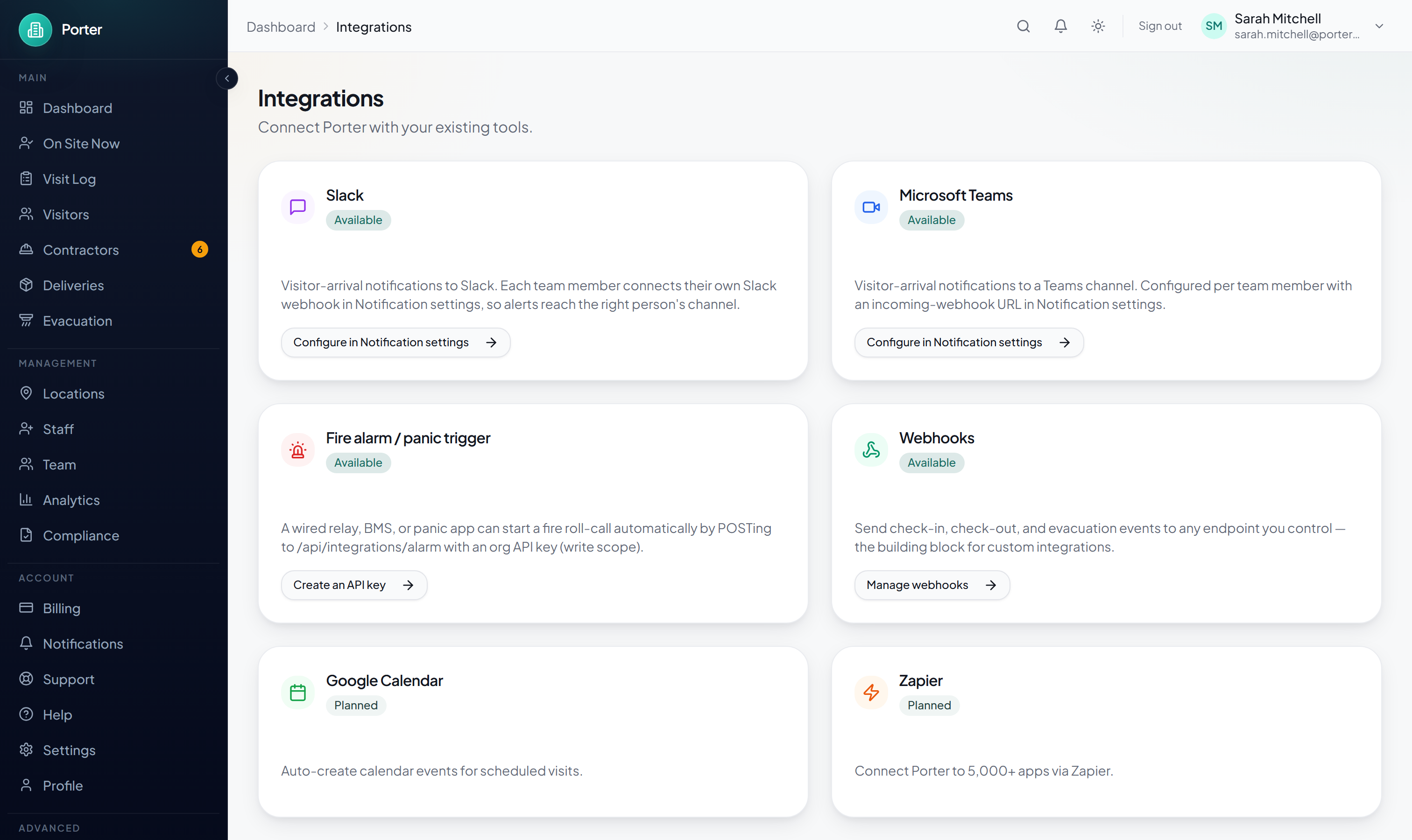
- Slack and Microsoft Teams visitor-arrival notifications are set up per team member on the Notification settings page, using an incoming-webhook URL from your workspace.
- A fire alarm or panic trigger (a wired relay, BMS, or panic app) can start an evacuation roll-call by POSTing to
/api/integrations/alarmwith an API key that has thewritescope. - Because a webhook can POST to any HTTPS URL, you can point one at an automation platform such as Zapier or Make (paste their catch-hook URL as your endpoint) to fan Porter events out to thousands of apps without code.